Apple Music Error Page Hides 1,029-Song Virtual iPod
A hidden tribute to the original hardware appeared on the Apple Music website this week.
By Christopher Richardson ·
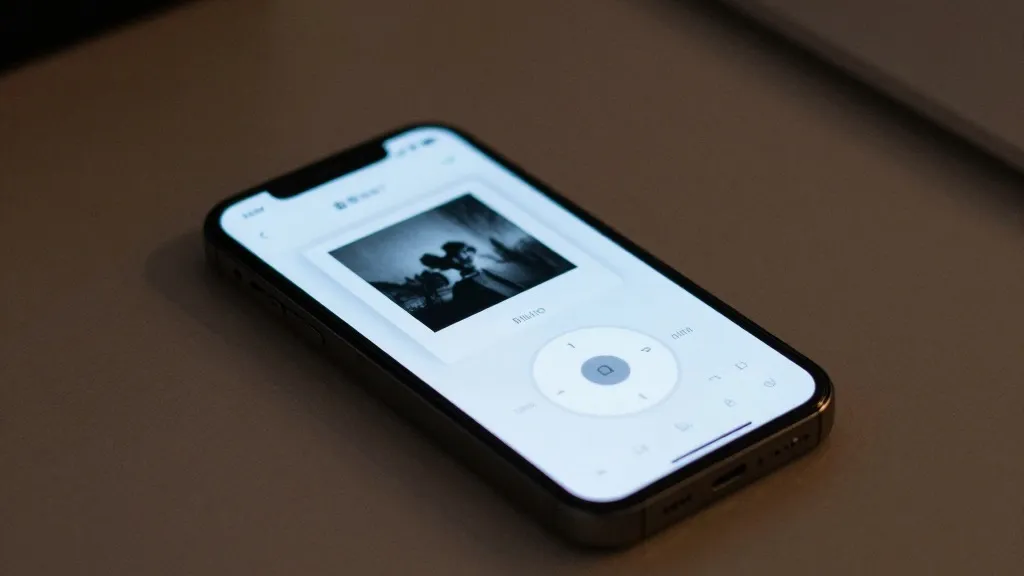
Apple has quietly marked 25 years since the original iPod was unveiled by building a functional replica of the device into its Apple Music website. The surprise is located on an error page, where users who encounter a broken link are offered a working version of the classic player instead of a dead end.
The original MP3 player was famously marketed as a way to put 1,000 songs in your pocket. The new tribute aims to recreate that experience directly. When a user encounters a 'page not found' message on the Apple Music site, a line below the text reads 'give this a spin instead.' Clicking the prompt launches a virtual iPod containing a library of 1,029 songs available for playback.
The digital device is fully interactive. The click wheel and other controls respond to user input, allowing navigation through the menu system. The interface retains the familiar layout of the original hardware, presenting options for Playlists, Artists, Songs and Settings. The virtual iPod does not require an active Apple Music account to operate.
The song library reflects the era in which the hardware launched, featuring artists such as Baha Men, blink-182 and Eminem. A reviewer based in the United Kingdom also observed tracks from Daniel Bedingfield, The Fratellis and Klaxons, though it remains unclear if the selection is identical for users in the United States. Playback of any track is limited to 90 seconds.
The experience includes other period-correct details. The Breakout-style game Brick, which served as a hidden extra on the first iPod, can also be played. To access it, users must hold the center button on the About screen for a few seconds, exactly as they would on the physical device.
While the virtual iPod is intended as a fun Easter egg, the experience has some rough edges. The interface can be somewhat buggy, and it is difficult to use on a desktop computer. It works best on a phone or tablet, where touch controls make the click wheel feel more authentic.
Source: Engadget