
Firefox AI now fills job applications using open tabs
The update allows the browser to pull work history from LinkedIn or portfolios to populate online forms, a feature currently testing in North America.
By Chioma Kim ·
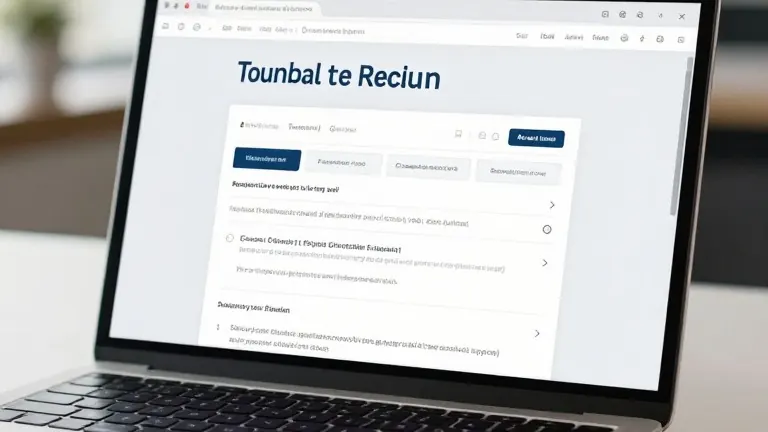
Mozilla has revealed that Firefox can now auto-fill job applications by reading data from your open browser tabs. The company demonstrated how the tool extracts work history from a LinkedIn profile or personal website to populate text fields in an online form.
The Smart Window feature has existed within the browser for some time, but this specific utility represents a new layer of automation. Users trigger the process by clicking into any web form containing at least four text fields. An option labeled Fill from sources then appears on the screen.
The browser lists every open tab that could serve as a data source. Users select or deselect specific tabs before the system generates suggestions. While the tool currently handles standard text fields, developers are working to support dropdown menus and PDF documents. Mozilla notes that the data from these source pages is sent to Google's Gemini 3.1 Flash Lite model to create the text.
A second new capability allows users to monitor specific websites for changes. To set this up, a user types /watch into the Smart Window chat box and describes the desired update, such as a sale or a new job listing. The browser then checks the designated pages on a daily or weekly schedule, though it only performs these checks while the application is open.
If Firefox detects a relevant change, it sends a notification via the Tasks button on the toolbar or as a desktop alert. The system pauses monitoring if it finds no changes after 60 days. It stops watching entirely after 90 days of inactivity.
These updates are rolling out to the Smart Window beta on desktop versions in the US and Canada. Mozilla says other countries will gain access in the coming months.
Source: The Verge